Code-3 vLink Manual do Utilizador
Consulte online ou descarregue Manual do Utilizador para Equipamento Code-3 vLink. Code 3 vLink User Manual Manual do Utilizador
- Página / 30
- Índice
- RESOLUÇÃO DE PROBLEMAS
- MARCADORES

- INTRODUCTION 2
- Mounting Location 3
- Typical Wiring for vLink-Z3 7
- Z3 Default Menu Screen 8
- Z3 Control Button 8
- Z3 VERSION SCHEMATIC 9
- Installation & Mounting 10
- Connections 11
- Typical Wiring for vLink-RLS 11
- RLS Default Menu Screen 12
- RLS Control Button 12
- RLS VERSION SCHEMATIC 13
- Universal Default Menu Screen 16
- UNIVERSAL SCHEMATIC 17
- Connecting to vLink 18
- 9 10 11 12 19
- 13 14 15 21
- 17 18 19 22
- Technical Specications: 26
- Compliance and Approvals 27
- Troubleshooting Guide 28
- Example Installation Photos 29
- WARRANTY 30
- PRODUCT RETURNS 30
Resumo do Conteúdo
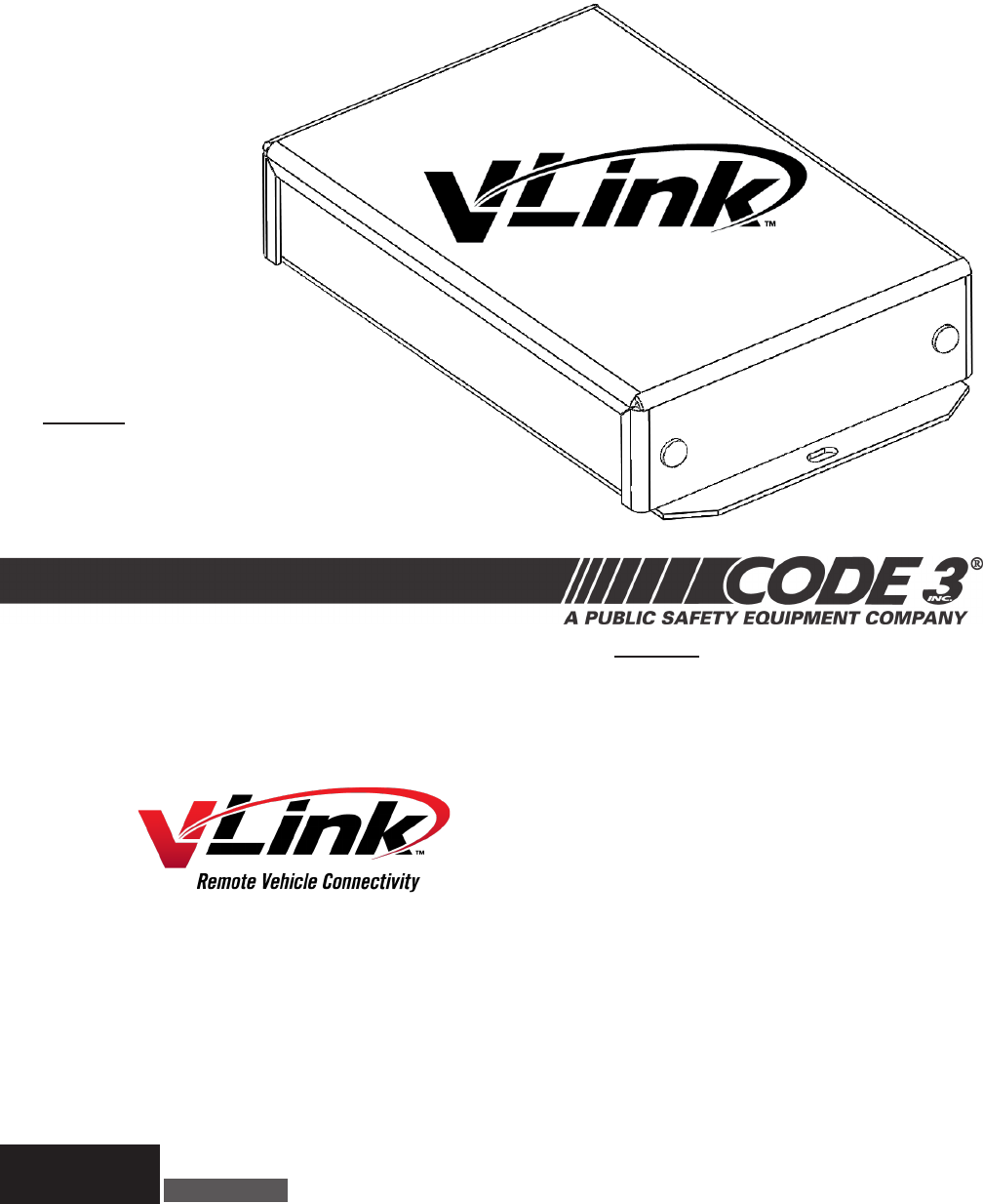
USER MANUALvLinkTM SeriesModels:VLNK-Z3VLNK-RLSVLNK-UINSTALLER: This manual must be delivered to the end user of this equipment.IMPORTANT:Read all i
10Unpacking & Pre-InstallationAfter unpacking the vLink, carefully inspect the unit and associated parts for any damage that may have been caus
11ConnectionsWiring varies according to which model variant of vLink you are installing. In all cases, +12VDC power and system ground connections mus
12RLS Default Menu ScreenInitial activation of your RLS vLink app will show the screen below. RLS Control ButtonPressing the Control button activates
13RLS VERSION SCHEMATIC
14Unpacking & Pre-InstallationAfter unpacking the vLink, carefully inspect the unit and associated parts for any damage that may have been cause
15ConnectionsWiring varies according to which model variant of vLink you are installing. In all cases, +12VDC power and system ground connections mus
16The vLink Universal version Setup button takes you to the settings screen as described beginning on page 20Universal Default Menu ScreenInitial acti
17UNIVERSAL SCHEMATIC
18iOS Products (iPhone and iPad)Connecting to vLinkSelect the Settings applicationTap on Wi-Fi to view available networksTap on Code3CTL from the li
19iOS Products (cont.)Tap the center icon at the bottom of the screenTap the “Add to Home Screen” iconTap “Add” at the top right of the screenThe vLin
2The vLink system takes advantage of the Wi-Fi capability of your Smartphone and allows you to control your Emergency Warning Light system up to 300 f
20Android ProductsSelect the Settings applicationTap on Wi-Fi to view available networks1 2 3The instructions below will take you through the necess
21Select the Internet browser applicationEnter 192.168.30.1 and then tap enterSelect the list icon at the bottom of your screen9 10 11Tap “Add bookmar
22Any electronic device may create or be affected by electromagnetic interference. After installation of any electronic device, operate all equipment
23Customizing vLink Settings and Security (iOS and Android)Z3 and RLS Versions (Z3 Version shown, RLS are congured the same)Tap on the vLink icon wit
24Set a new network name (SSID) and password. I chose “NewName” for the netwok name and “NewPassword” for passwordSelect submit changes to save any c
25Universal versionTap on the Settings button on the bottom right of the menuEach button can be set as momentary.Additionaly each button can be set a
26Technical Specications:Unit Weight: .84 lbs (.38 kg)Packaged Weight: ~1.6 lbs (.8 kg)Input Voltage: 10 to 16VDCOperating Current: <.14 A @ 1
27Compliance and ApprovalsContains FCC ID: W7OMRF24WG0MAMBThis device complies with Part 15 of the FCC Rules. Operation is subject to the following t
28Troubleshooting GuideProblem Probable Cause RemedyI cannot connect to my vLink. • Attempting to connect to the wrong vLink. • Attempting to conne
29Example Installation Photos
3REMOTE MOUNTED ANTENNA10’ Long ultra low loss antenna coax cable. Remote mounted antennaMounting Location For best performance, the antenna should be
30WARRANTY Code 3®, Inc.’s emergency devices are tested and found to be operational at the time of manufacture. Provided they are installed and oper
4Do not mount the antenna on any of the vehicle’s front, back or side pillars.REMOTE MOUNTED ANTENNA (cont.)Do not mount the antenna inside the vehicl
5You will need to drill a 5/8” hole in the roof at the location you selected. In order to avoid metal shavings being left inside your headliner, plac
6Z3 SIREN APPLICATIONUnpacking & Pre-InstallationAfter unpacking the vLink, carefully inspect the unit and associated parts for any damage that
7Z3 SIREN APPLICATION (cont.)ConnectionsWiring varies according to which model variant of vLink you are installing. In all cases, +12VDC power and sy
8Z3 SIREN DEFAULT MENUZ3 Default Menu ScreenInitial activation of your Z3 vLink app will show the screen below. Z3 Control ButtonPressing the Z3 Contr
9Z3 VERSION SCHEMATIC
Manuais e produtos relacionados com Equipamento Code-3 vLink
 (1 páginas)
(4 páginas)
(1 páginas)
(4 páginas)
© 2020, manymanuals-pt.com. Todos os direitos reservados. | 0.044 s |
 Manymanuals.com
 Manymanuals.de
 Manymanuals.fr
 Manymanuals.it
 Manymanuals.pl
 Manymanuals.cz
 Manymanuals.es
 Manymanuals-pt.com
Comentários a estes Manuais